NEXA ERP
Sales, inventory and accounting in one clear system, with a separate secure database for every company. Now onboarding customers through an assisted pilot.
Available: assisted pilot
Built for owners who want clear numbers
NEXA ERP records your daily work (sales, stock, cash and bank) and turns it into statements, balances and financial reports. The owner controls every user and every permission.
NEXA ERP is available today through an assisted pilot: our team installs, migrates and onboards each company. Self-serve downloads, the free trial and online sign-up open at launch.
Available in NEXA ERP today
These features pass our automated tests on the current release.
Sales and customers
Sale orders, invoices, dispatch notes and returns, with customer statements, balances and ageing.
Inventory and stock
Item list, stock per item and per location, stock value at moving average cost and stock reports.
Core accounting books
Trial balance, profit and loss and balance sheet, checked against independently calculated test books before each release.
Users and roles
The owner creates staff logins and decides who can see and do what. A setup wizard creates the first owner.
Separate company data
Each company runs on its own database. One company can never sign in to or read another company's data.
Security monitoring
Built-in security monitoring, covered by automated tests on every release.
Phone and desktop layouts
The same system adapts to a desktop screen or a phone browser.
Data stays yours
If a subscription lapses, the system becomes read-only. Your data is never deleted: you can still view, print and export it.
Coming in later updates
Not tested yet, so not available. Each one will be listed above only after it passes our tests.
- Purchases, goods received and vendor bills (final testing)Coming in later updates
- Advanced finance and management reportsComing in later updates
- HR and payrollComing in later updates
- Point of sale (retail and grocery)Coming in later updates
- ManufacturingComing in later updates
- Approval workflowsComing in later updates
- WhatsApp and SMS notificationsComing in later updates
- Automatic scheduled backups and restoreComing in later updates
- Automatic software updatesComing in later updates
- Offline modeComing in later updates
- Multi-branch operationsComing in later updates
- Self-service migration wizardComing in later updates
- Card payments (Airwallex integration planned)Coming in later updates
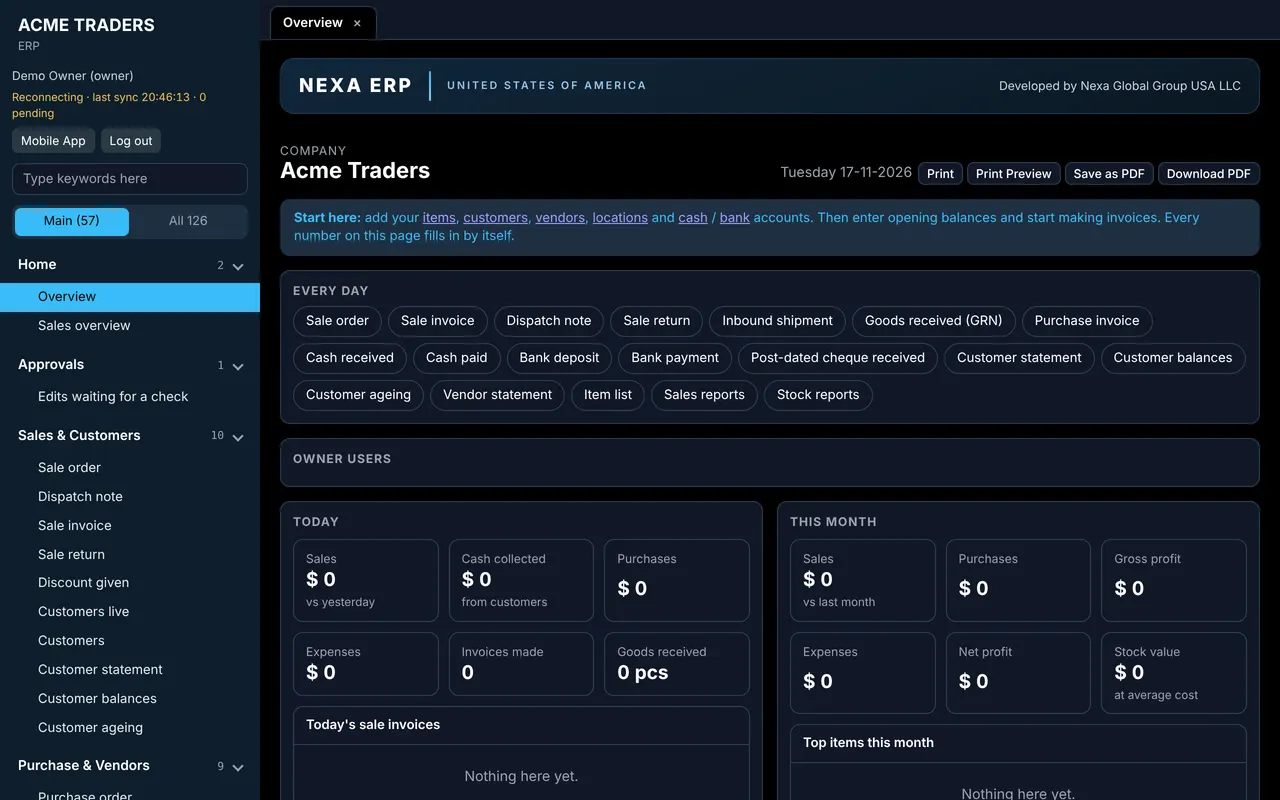
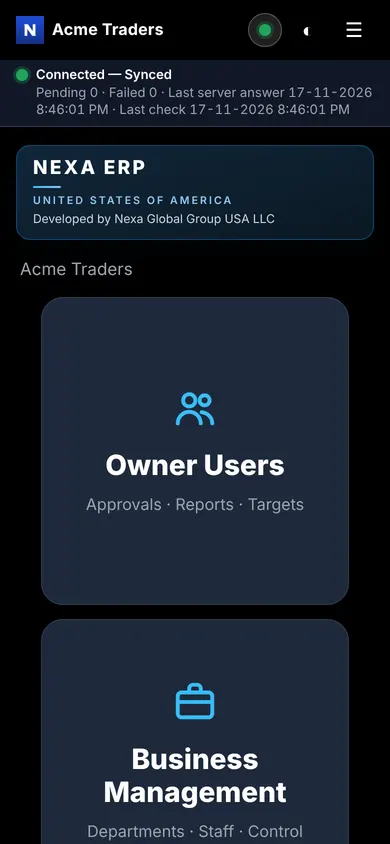
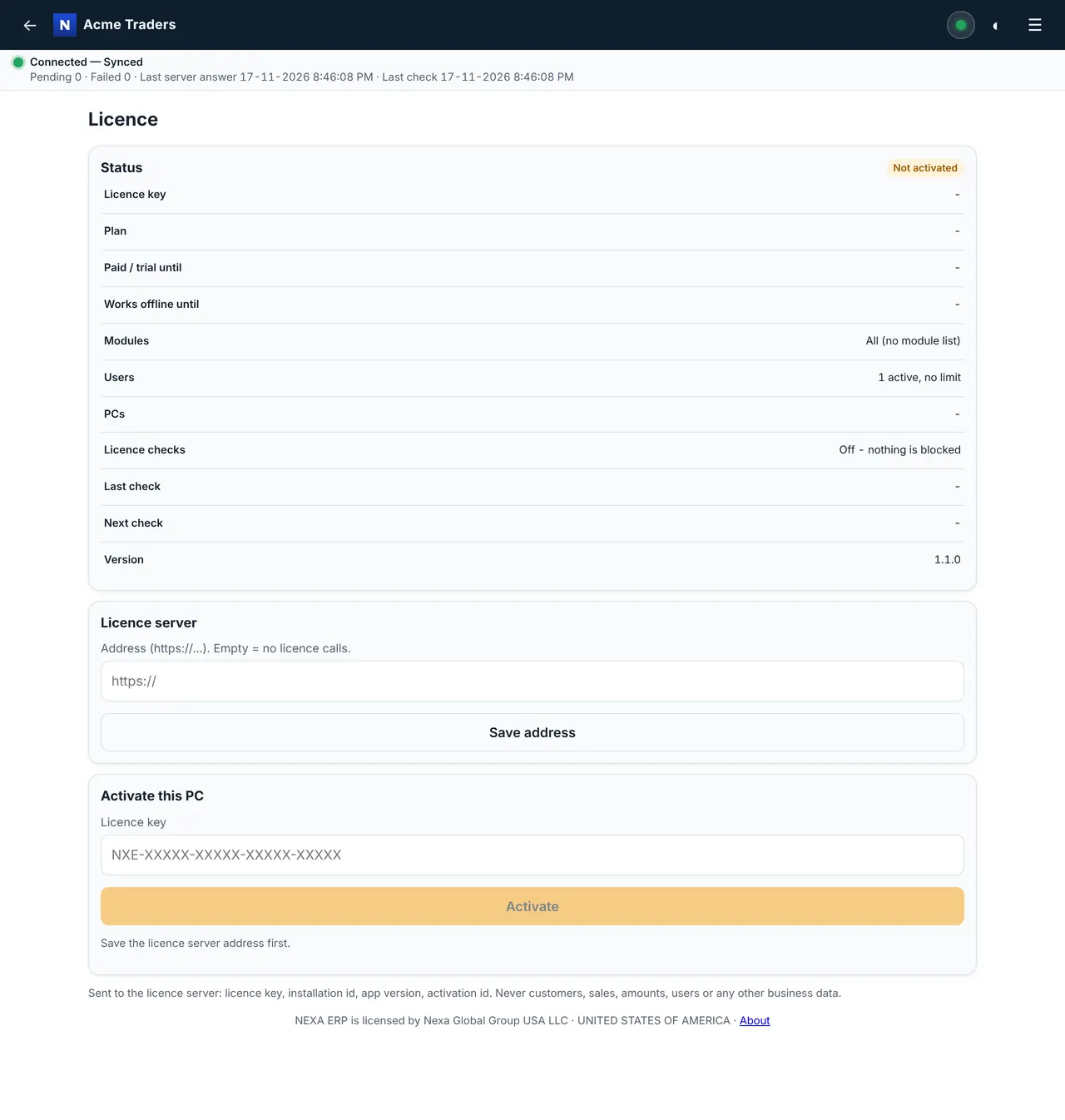
A look inside
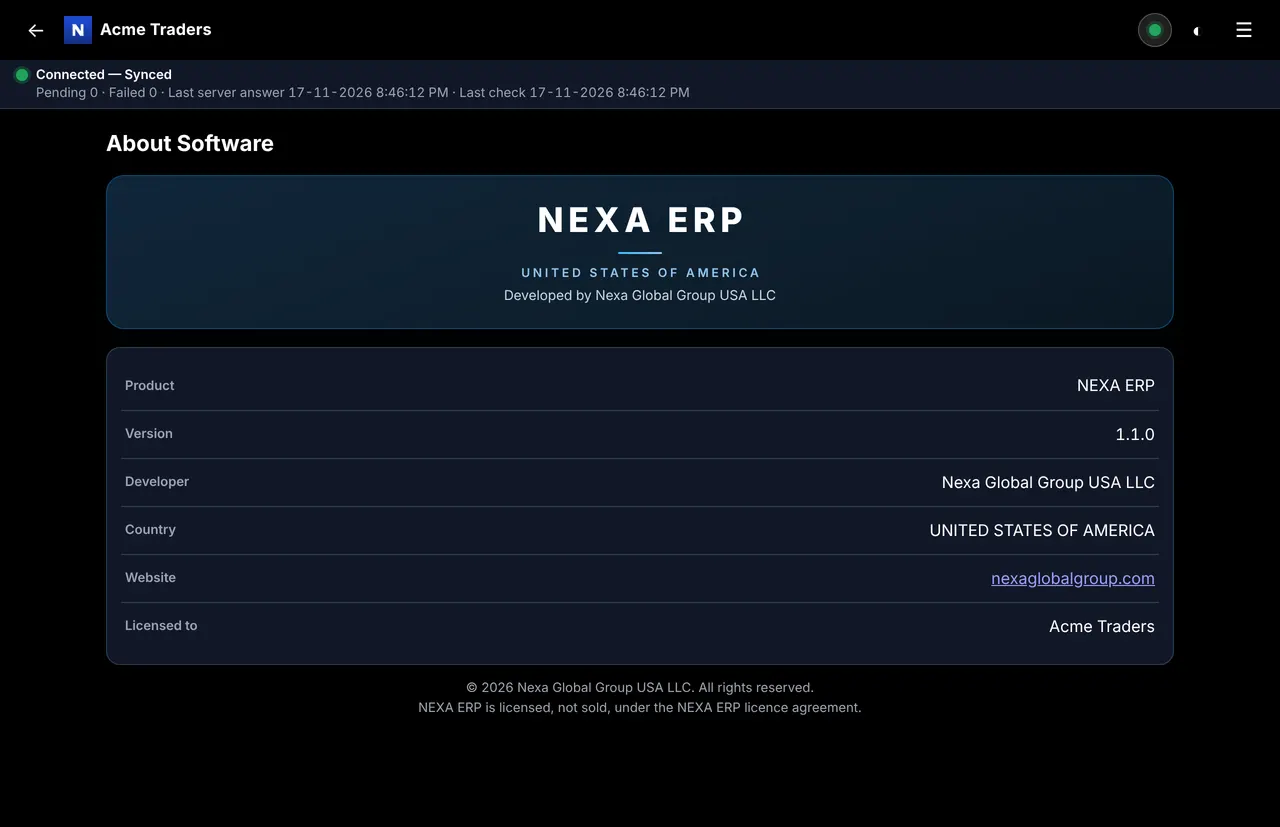
Screens from "Acme Traders", a demo company with synthetic data. No real customer data is shown.
Windows installer
NEXA ERP installs on a Windows PC that acts as your company server. Staff then sign in from other PCs and phones on your network.
The installer will be published at launch, after code signing is complete.
Available at launch.
15-day free trialComing in later updates
A free 15-day trial is planned: every new company will be able to use NEXA ERP free for 15 days. No payment is needed to start the trial. At the end of the trial you choose a plan, or the system becomes read-only so you can still view and export your data.
Simple subscription licensing
One licence per company
Each company receives its own licence key. The plan sets how many users can sign in.
Read-only, never locked out
If a subscription ends, the system switches to read-only. Your data stays visible and can be printed and exported.
Minimal licence data
Licence checks send only the licence key, installation ID and app version. Never your customers, sales or amounts.
Pricing (USA)
Prices are shown in your region's currency. Prices are currently shown in USD. All prices are draft and not live.
ImplementationDraft
One-time setup fee.
$2,900 one-time
USD · draft, not live
SubscriptionDraft
Monthly subscription.
$99 / month
USD · draft, not live
NEXA ERP: Implementation $2,900 (one-time) + Subscription $99 / month. Draft prices: not an offer and cannot be purchased.
Card paymentsComing in later updates
An Airwallex card-payment integration is planned. No payment can be taken on this site.
Assisted pilotAvailable
Pilot customers are onboarded by our team, with assisted migration and a written agreement.
Company login
Each company signs in with its own company code. Customer Login
Plans and prices are not final. See the draft pricing page.
Secure registration and company sign-in
Each customer company will register once and receive its own company code. Staff then sign in on a company-specific login page. Online registration opens at launch.
- Separate company code and database
- Only the owner can create staff accounts
Assisted migration from your current software
Moving from another system? Our team runs the migration with you. We work from exports of common accounting systems and spreadsheets (for example Tally, QuickBooks and Excel or CSV files) and check them before anything is imported.
- Customers, suppliers, items and stock per location
- Opening balances, ledgers and past vouchers
- Totals must match your old system. If anything differs, nothing is imported
- You review and sign off before the company goes live
Easy Migration is an assisted service today. Self-service migration wizard: Coming in later updates
From sign-up to first invoice
- Register your company
Get your company code and licence.
- Install on your Windows PC
The setup wizard creates the first owner login.
- Add or migrate your data
Items, customers, vendors and opening balances, or an assisted migration.
- Invite your team
Create staff logins and choose their roles.
Help when you need it
Email support
Write to support@nexaglobalgroup.com. A team member replies by email.
Migration help
Our team guides each assisted migration and the sign-off.
Help centre
Guides and how-to articles for every screen. Coming in later updates.
See NEXA ERP with your own workflow
Tell us about your company and your current software. A member of the NEXA ERP team will reply by email to arrange a demo.
- Prefer email?info@nexaglobalgroup.com
- Subject lineNEXA ERP demo request
This form does not send messages yet. Please also email us at info@nexaglobalgroup.com.
Three steps
- Contact the NEXA ERP team
Ask for a demo or to join the assisted pilot.
- Assisted setup
We install NEXA ERP, run an assisted migration if needed, and you sign off on the data.
- Go live
Your team starts working, with email support from us.
Common questions
Can I try it myself today?
The 15-day free trial and self-serve download are coming in later updates. Today NEXA ERP is available through an assisted pilot. Request a demo.
Can I move my data from my old software?
Yes, through assisted migration. Totals must match your old system or nothing is imported.
What happens if my subscription ends?
The system becomes read-only. Your data is not deleted and can still be viewed, printed and exported.
How do I pay?
Card payments are coming in later updates. Prices are draft and not live yet.
What does it cost in the USA?
Draft pricing: Implementation $2,900 (one-time) + Subscription $99 / month. Not live yet.
Talk to the NEXA ERP team
Ask for a demo, join the assisted pilot or ask about migration. We reply by email.
- Division emailerp@nexaglobalgroup.com (placeholder, not active yet)
- General enquiriesinfo@nexaglobalgroup.com